
OSPF Advanced configuration Lab
OSPF advanced configuration experiment 1. Experimental environment
Lab environment: gns3,c2691 router
two。 Experimental topology diagram
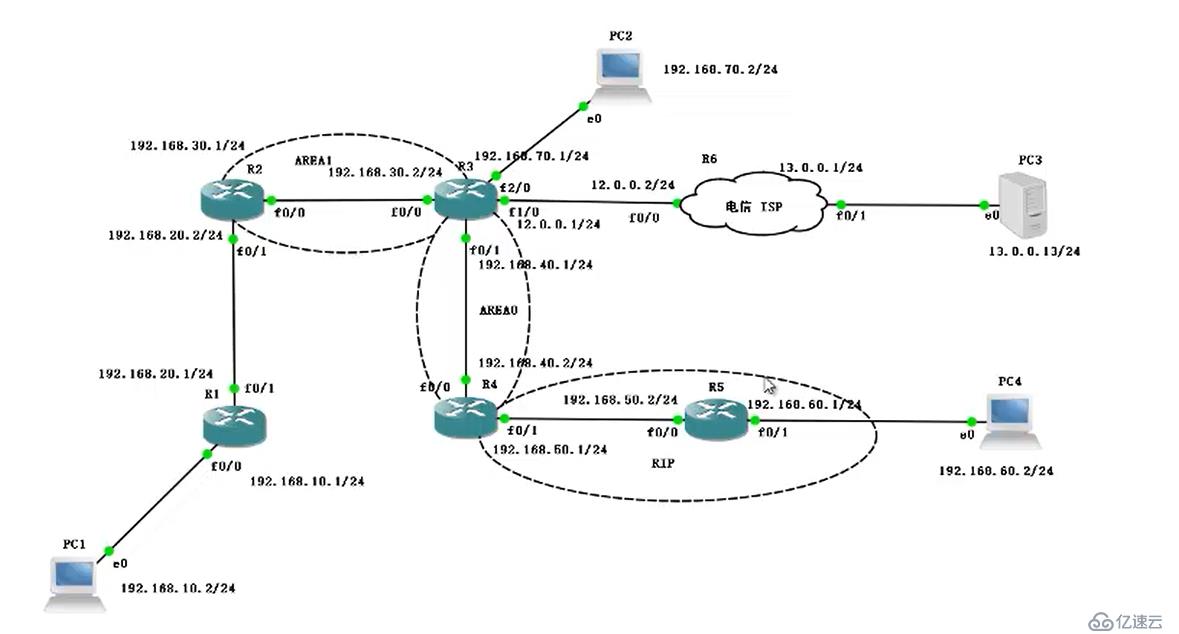
three。 Experimental procedure
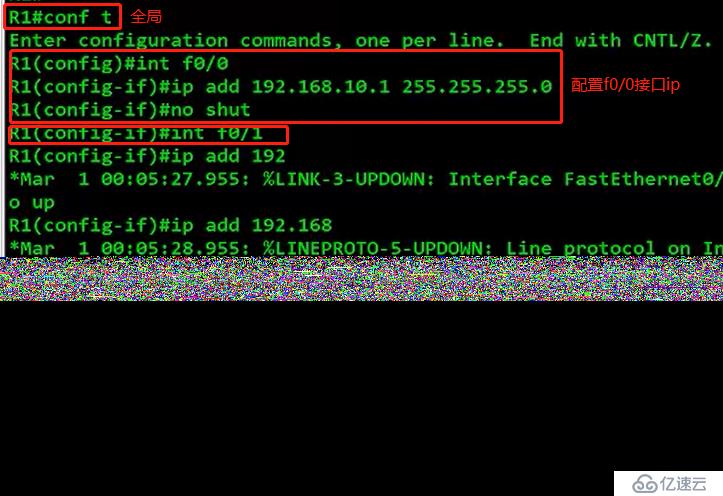
Because there are many routers, we come one by one. R1 configuration
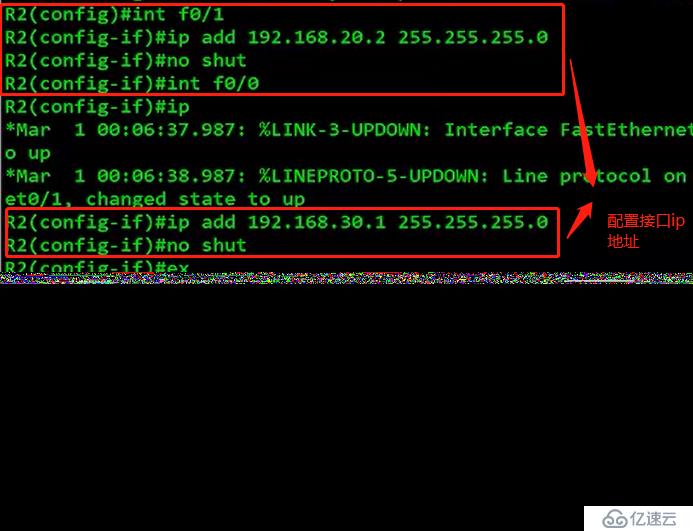
Next, configure R2.
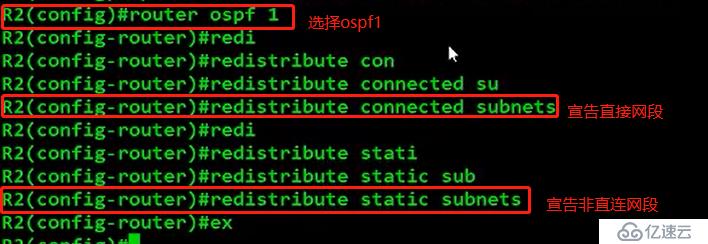
Because there are two network segments under R2. So we have to do a static route.

We also have to announce the two network segments below R2, one directly connected and the other not directly connected.
Next, configure the R3ip address
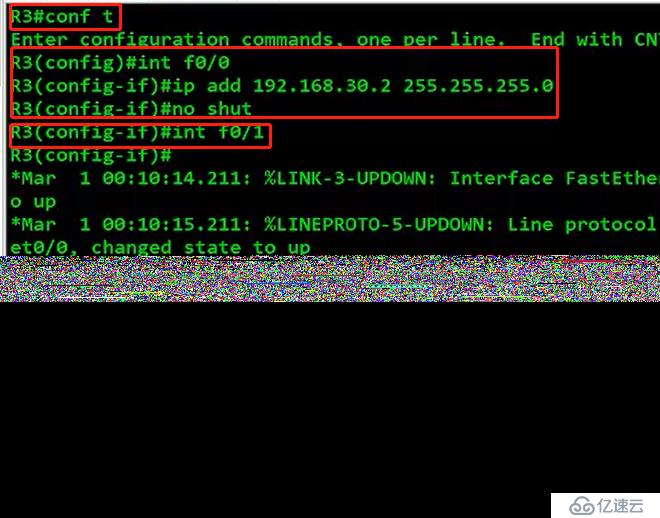
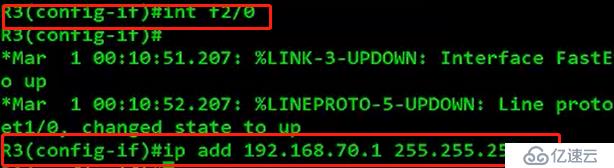
Then let's configure the default route first.

Then we assign the network segment to area
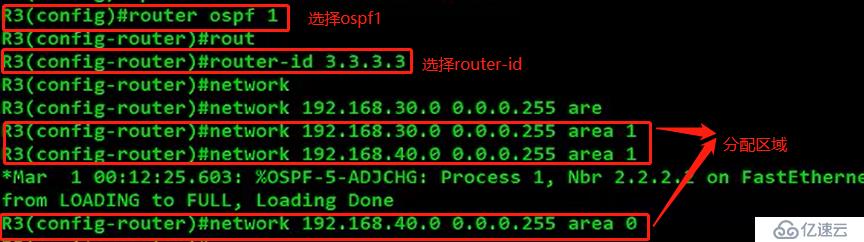
Notice that there is also a 70-segment network segment, which we put into area 0 for convenience.

We also have to announce the external default route.

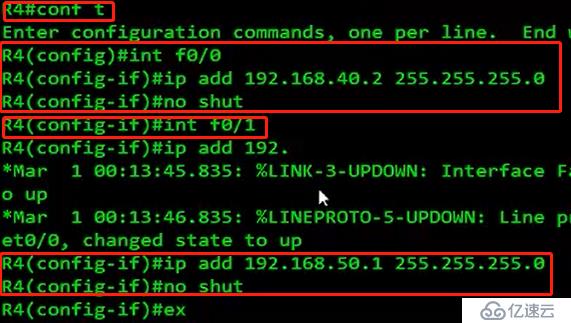
Next, we configure ip for R4.
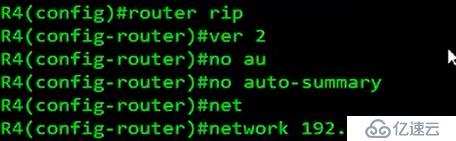
Then configure the rip protocol
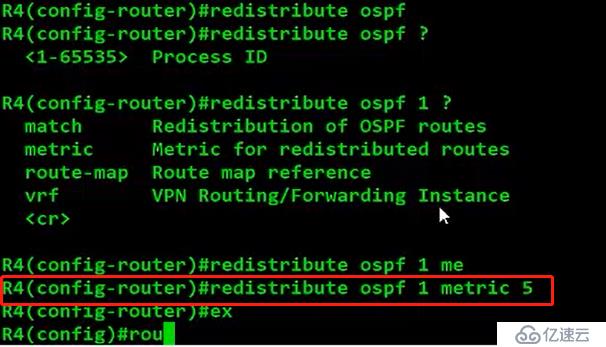
Then inject the ospf protocol into rip
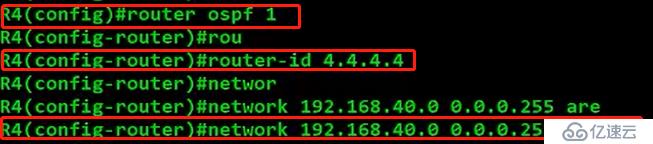
Then 40 network segments have to be assigned to area0.
Then we have to inject rip protocol into ospf protocol again.

Then configure interface ip on R5
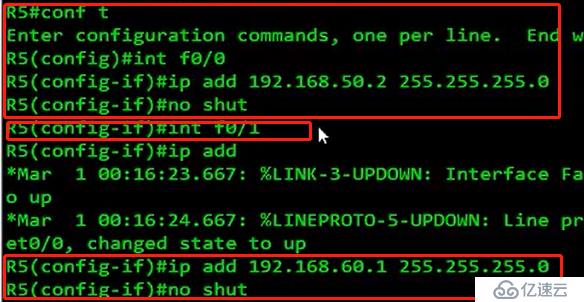
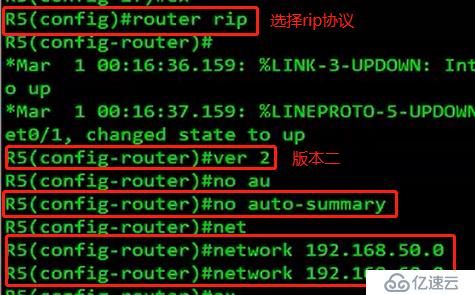
Then configure the rip protocol
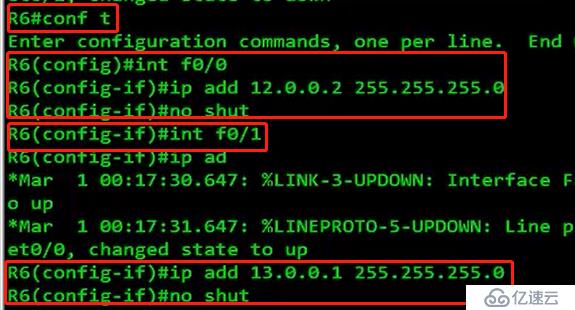
Then configure the R6 interface ip address
Then configure the static route

At this point, the experiment is completed. You can go to ping to pc. No problem. It should be the interconnection of the whole network.
